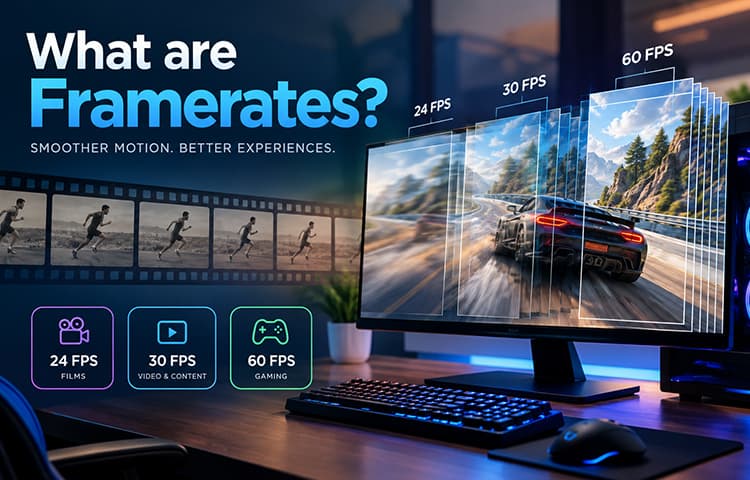
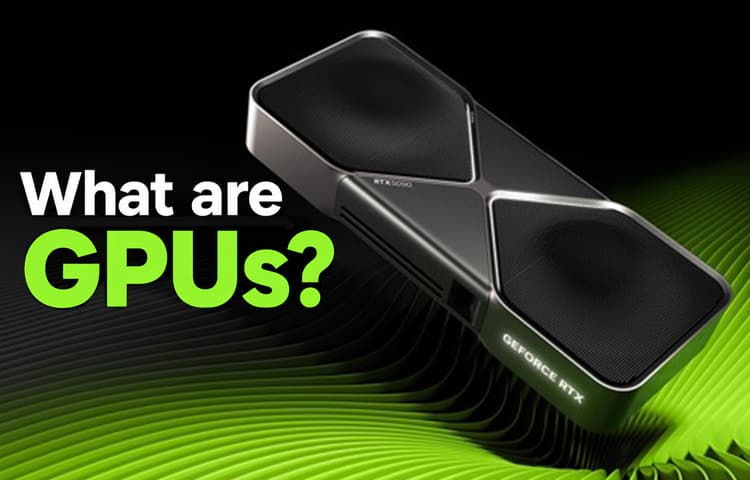
There are five pieces of hardware that you need to make a computer work, and none of those are a GPU, so why is it so important? Graphics are representations of data that a computer generates on a monitor or screen. The display you're reading right now is graphics that the computer is outputting, and while that might sound impressive, in all honesty, a web page like this blog isn’t what people have in mind when talking about GPU usage. GPUs are designed to create high-end graphics for your PC, processing tons of data at a time to bring high-quality images onto the screen, and while there are internal graphics in systems which can provide good quality, it’s worth getting dedicated hardware.

What is Resolution?
When you’re looking at a monitor, what you're seeing is several tiny lights that form an image; the higher the resolution, the more detail is on the image itself. If you’ve read our blog on Framerates, then you’ll know that videos are comprised of thousands of images in sequence, one after the other. Lower resolution is recognizable because the quality of the image will look pixelated or fuzzy, while higher resolutions will appear sharp and more detailed by contrast. This is due to how many pixels can fit on a screen; the more pixels, the more detail, and thus the higher the resolution.

What does a GPU do?
Earlier I mentioned how the CPU is able to process graphics for your computer; naturally, then you’ll probably wonder why you'd get a GPU to begin with if your internal graphics can just do the work just fine? Well, it’s simple really: the CPU is the brain of your computer; it’s responsible for running thousands of unseen tasks. This means that while it can manage the graphics for your computer, it will take away valuable processing power that can be used elsewhere. With a GPU, however, it acts as a dedicated unit that handles higher-end graphics independently so that the CPU doesn’t need to delegate resources to do it. It’s main goal is to run tasks parallel to the CPU so that it’s not bogged down by other tasks that it needs to do with internal graphics.

How Does a GPU Work?
GPUs are designed for straightforward installation on compatible motherboards. Most motherboards include at least one PCIe slot, typically located below the CPU, which supports expansion components designed for specialized functions. Now, if there’s enough clearance, this also means that you can install another GPU, provided you have enough power supply cables. This is primarily used when the computer has a multiple-monitor setup, and the user wants consistent graphics across multiple screens at once. Once power is routed to the GPU, all display data is directed to the unit and processed with dedicated Video RAM (VRAM) and the GPU processor.
This can all seem like a lot of information at once, which is why AVADirect orders, assembles, and tests these parts to ensure your system has the graphics quality that you want. There’s a lot more to the process as well, including updating drivers, overclocking, liquid cooling GPU’s, but this is to help you understand the basic idea of what a GPU is and what it does so you can make the best-informed decision you can. If you're looking to create a new system that has higher-end graphics, then get in touch with us today; we’ll help you make your configuration the way you want it.


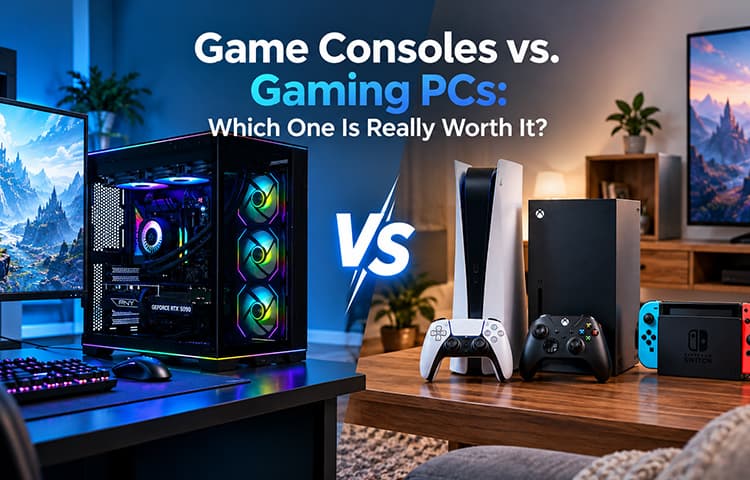
Game Consoles vs. Gaming PCs: Which One Is Really Worth It?